Feature Release: WK Rarity Calculator

Feature Release: WK Rarity Calculator
April 10, 2013

Today we released a new feature on MyWildKingdom.com, the WK Rarity Calculator. We know this is a feature you have all been waiting for and we thank you for your patience.

The WK Rarity Calculator can be found on your Dashboard in the MyWildKingdom.com portal.
http://mywildkingdom.com/

Simply enter the ID of any valid animal into the calculator and instantly get percentage values for the Species and Breed as well as all the other traits for that animal. This information can be used to quickly identify animals that common or rare overall or for any particular trait.

If you have not activated your portal account please visit any store location and click the sign to activate “My Web Portal”. Your user name and temporary password will be sent back with a link.

If you forgot your user name or password please visit any store location and click the sign to activate “My Web Portal”. Your user name and temporary password will be sent back with a link.
We have made it even easier

We all know that updating is a important part of keeping things working smoothly.  That is why when Microsoft and Apple send out updates we do them or at least we try to keep up with them.  Our cat software is no different.  As new features are added and defects fixed there is the need to update your animals.  We are looking into ways of making this easier. Some have asked for a bulk updater similar to that of another breedable company (this is still in the works at this time) and we are looking at maybe more of a auto rezzer. What we have come up with and we think you will all like is the webMOOG which can be found in the Portal.

The Portal you say whats that? Where can I find it?  Who knew there was a portal?

Most of you are aware that there is a log in section to our main website mywildkingdom.com. This is how you access your portal. How do you log in? Or what do you do if you forgot your password.  Both are the same answer. Go to any of the store locations and click the “Register for My Portal”.It will give you your user name and password if you have already registered or it will register you and give you a user name and password so you can log in.

Once inside the portal you come to your dashboard. On the right side the top vertical buttons are webMOOG~Animals and webMOOG~Sacks. Each are fairly self explanatory when you click on them.

You can have your cats or sacks sent to you in world if you are offline or on. Remember sl deliver and items getting capped so it might be a good idea to make sure your online. Any items asked to be sent get marked as inactive until you rezz out the new item.

Open Communication

Our cats are wonderful creature that seem to move about Second Life(SL) with out much direction. They can and will do many different things on their own.  It is hard to understand then why when you log in to your dash board at times you find that your cats are market as inactive.  Yet, you see them moving about SL just fine.

How did this happen? What cause this? and Why can’t it be stopped?  

Well these are all very good questions. When our engines from the server go through and make the calculation of who is eating what, who is aging, who is ready to deliver and so on updating on the data base side it runs along smoothly. There is no hesitation in the communication of the process.  It is when the process has to reach out to SL (now we ALL love SL and understand it has its little quirks and we accept them for being SL)  sometimes the URL that SL has given your animal is no longer available.  All SL tells us is 404 Error.  That is a broad error and simply stated it just means the url or address your looking for is not there.  We know that the animal is there we can see it moving about, so how can SL say its not there.

Since the 404 is a flag saying there is a problem that we can’t find the animal where it was last left we mark the animal is inactive. It could be that the animal is in your inventory or it could be that SL is playing up. It could be the sim is offline at the moment we try to communicate. There can be lag on the sim and with any communication. We have all see chat lag that the attempt to communicate and get a message back from the animal saying “yes, I am here“ doesn’t happen in the allotted period of time.

Our Engines are spaced out through out the day and at different times so that we can try to communicate with them at various points of the day. If they do get marked inactive it just means the url we were given for the animal is no longer there. Since, the animal did not get the update we were trying to send it is why when you re rezz it you will see changes in the stats.

The Reconnect Button only sends us a current URL does not update stats.  They will get updated the next time a animal gets the communication from the server. We do have a feature request to change this to a Synch Button so that it will not only reconnect the url but it will get back updated stats.


Baby Tigers

Too cute for words

Too cute for words

Like any proud parent taking just one picture of your new born is just not possible.  These little ones with their chubby little cheeks and weak little legs try to lift up there big heads and really seem to struggle with it making them seem very real.  Their eyes are closed for the first 12 hours so still waiting to see them open their eyes.

We are testing their animations now, but from what we are seeing they will steal your hearts, much like the cats that came before them, the Cougar and the Jaguar.

They will go through much more testing before they are ready for release, but for those that have been waiting, we are on track for meeting our goal of having the first 3 cats out by our planned release date.

WK Magic Map

WK Magic Map

WK Magic Map

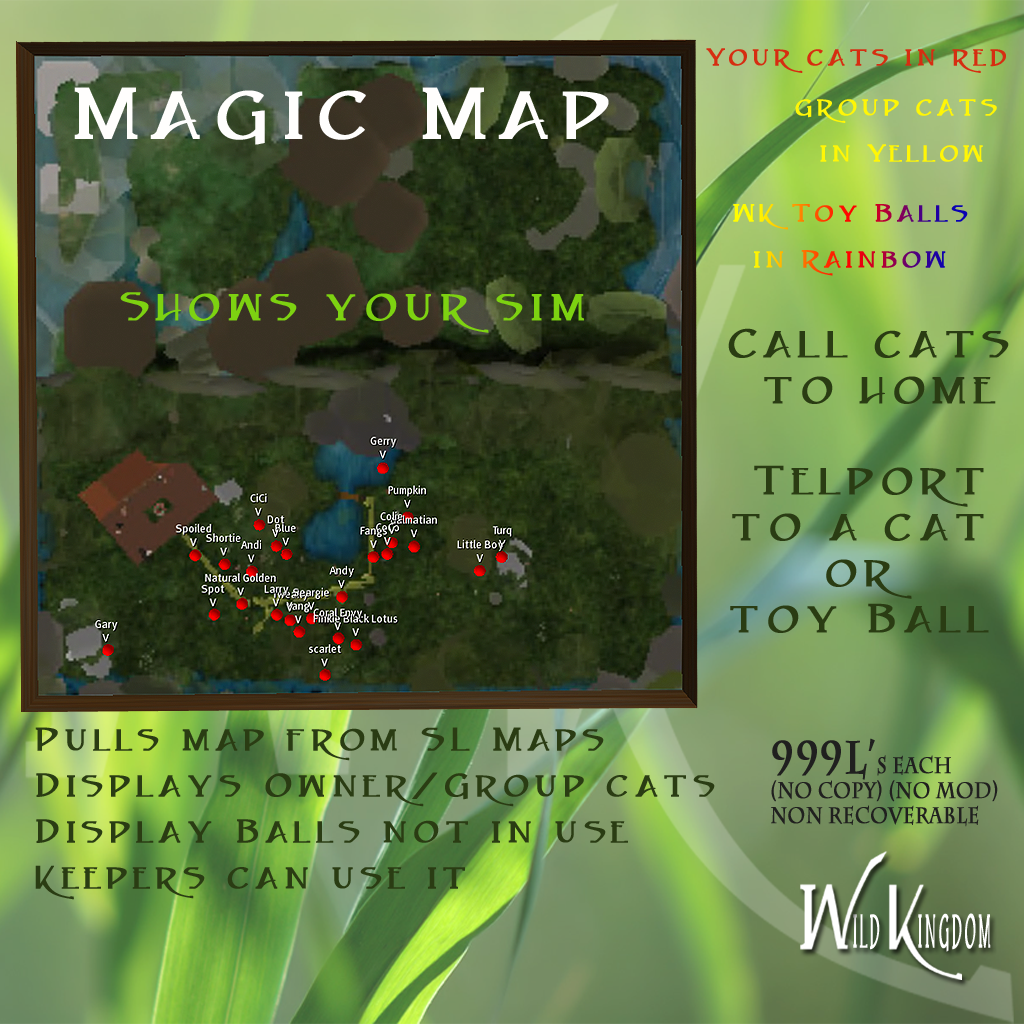
This is a tool to help you find your cats when they are doing what cats do best, which is being hard to find. Simply rezz the Magic Map out, and it will start to find the cats on your sim that belong to you. If you wish to see the animals on the sim rezzed under group, click the map, get the menu then change owner to group. Its that easy.

Which cats do you want to view;
Click the map background to get the menu > one button toggles between Owner and Group

If you would like to call a cat home, click the ball of the cat you want to come to its home point, get the menu, then click home – both the owner and the keeper of the cat can use this function.

If you have the map out in a Market area any one can use the tp function.

If you would like to go see where they might be hiding click the tp option. This will give you a message in local chat that says

“Sit on the ball to go to the selected destination”

then right click the ball with the cat you want to go to and sit and you will arrive in the area that the cat was last reported to.

Maps refresh every 30 seconds.

If you change the maps position hit the refresh button.

Allow at least 2 minutes for the map to find all the cats.

Works with cats 1.0.0_3 or higher
and Balls with Ball script 1.5

UPDATE READY

Cat update 1.0.0_3

Sack 1.6.0

This is a cat update that includes

This update has a reconnect button in the cats menu. If you see on Mywildkingdom.com that one of your cats has become inactive, You can go to that cat and touch the reconect button. This will re-activate the cat, without re rezzing.

The second part of the update is sacks. This part is a mandatory update. Please get the ID # from any sacks you have on your land or all the sacks in your Mywildkingdom.com dashboard and go to MOOG.

Sellers make sure to sell updated sacks ~ Buyers DO NOT buy any sack with the cub_main script lower than 1.6.5. Cats birthed from sacks lower the 1.6.5 will not be seen by the Magical Map

The third part of this update, introduces a new item for out cats. Magic Map.
Magic Map is a prim item you can place on your land to keep track of your cats, and balls.
You can see the dots of each cat with its name above it. You can TP to the cat or send it home. This will be for sale in the stores by end of day. Be ready for it by updating all cats, and sacks.


Meet MOOG

MOOG is a Magical Orb of goodness

MOOG is a Magical Orb of goodness

The Magical orb of goodness or MOOG for short.  This is a retrieval system where you can come and get any of your animals back that had difficulty in sl. As we all now sl can be unpredictable and this is OK it is the world we live and love so we deal with it as best we can.  Knowing this is why we came up with away for you to get your animals or food items back (food items can be found at mini MOOG )

HOW:
The revolving green ORB at the top of this fountain is MOOG and what you touch.

You will get a menu. From this menu you can choose;
Animals or Sacks.

You will also have to choose either Jaguar or Cougar
Choosing Anaimals >
ALL – To get all your cats (with any update you need this one).

INACTIVE – To get any cats that may have become inactive (where they and the servers have lost touch with each other).

SINGLE – To get a single cat by its ID number.

IDs can be found in the description line of the cat or in your my Wild Kingdom page of your cats.

The cat or cats, will deliver to you automatically once you have made your selection of one or all.

Sacks: Single> type the ID of the sack in local chat.
IDs can be found in the description line of the cat or in your my Wild Kingdom page of your cats.
**NOTE: Rez one cat box (what is delivered from MOOG) count to ten and you can then rez another.


Q&A on Saturday March 23 at 11 & 1

For those that would like to know more about the cats but don’t know where to get it we would like to invite you our to 2 Q&A’s on Saturday.

The first is to be held at our very first secondary market.  WK-WILD KINGDOM AUCTIONS RENTALS, Chaillet  The staff over at Speeds market have been extremely supportive to the cats.  This market has a store for all your needs as well as holds auctions on Fridays and has stalls for you to rent and display the cats you would like to sell or trade.

WK-WILD KINGDOM AUCTIONS RENTALS, Chaillet

11 AM SLT

http://slurl.com/secondlife/Chaillet/59/50/21

The second of the Q&A’s to be held at one of our newest markets Wild Cats Marketplace, Dunmore Bay, This market is set up and run by Meagy one of our first breeders to join the BETA test back in January.  Meagy has stalls for your cats as well as auction boards for you to sell your cats from.

Wild Cats Marketplace, Dunmore Bay

1 PM SLT

http://slurl.com/secondlife/Dunmore%20Bay/39/45/22

Both of these locations are great to shop at or to set up your cats at.  We will be at both locations for about an hour to answer any ?s you may have.

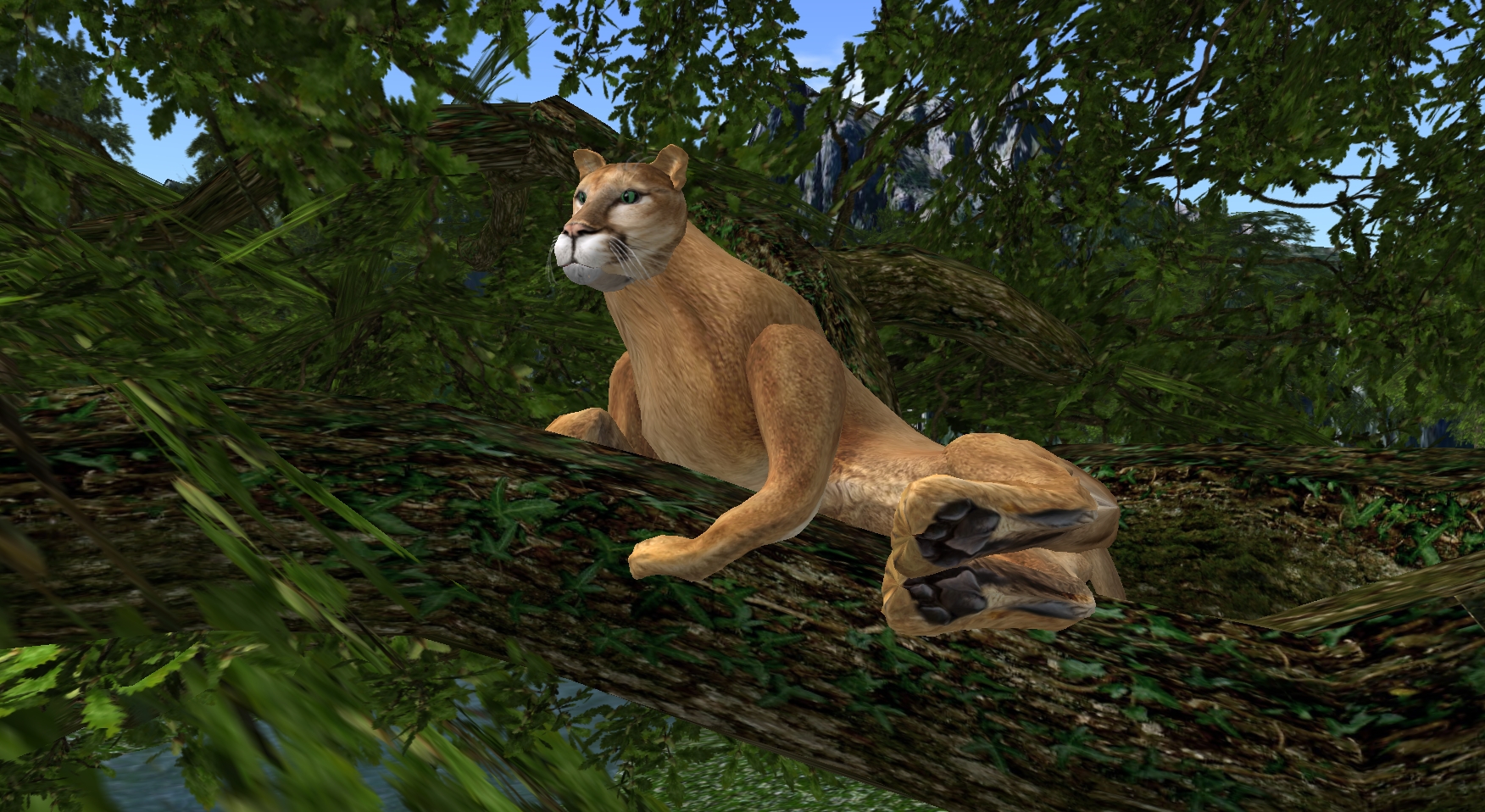
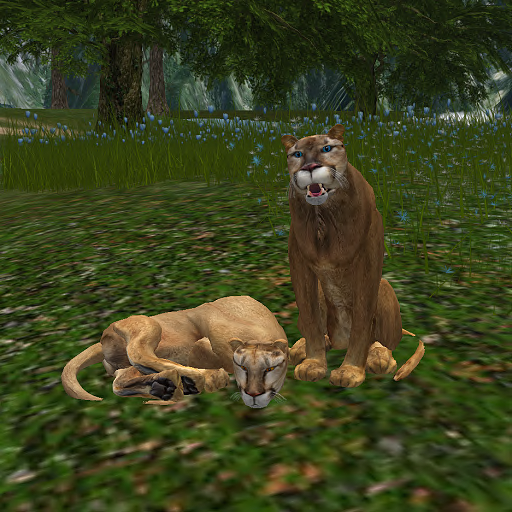
Cougars are here!!

We have officially released

We have officially released

The cougars like the jaguars can climb the Cat Hang Out Tree just as easily and love to.  Where the Jaguar got a lot of new toys introduced over the weeks since Beta the Cougar is completely capable of keeping up with the Jaguar.  Many have asked if they can breed there Jaguar with there new Cougars and the answer is Yes! You wont get a half breed but you will get either or either a Cougar or a Jaguar  the trait types can pass from one animal to the next all with the exception of the fur Furs are unique to the species.  Other most asked question is do they eat the same food and that is also YES they eat the same food. All boosters and items work for all of our animals.

Sneak Peak at the Cougars

We are prowling the WK Main Store location

We are prowling the WK Main Store location

The wait is almost over as the Cougars make there first appearance at the WK Main Store location. Many have stopped by to see them and have some of there comments have been.


Creed (creed.bimbogami): looks greattttttttt
Star Corith (starbright.wonder): we just love them all, I want one of each lol

Meagy: I just saw the new soon to be release Cougar  and OMG I love them . The colors and detail is so realistic can’t wait until they are released . YAY Cougar are coming soon